


Introduction
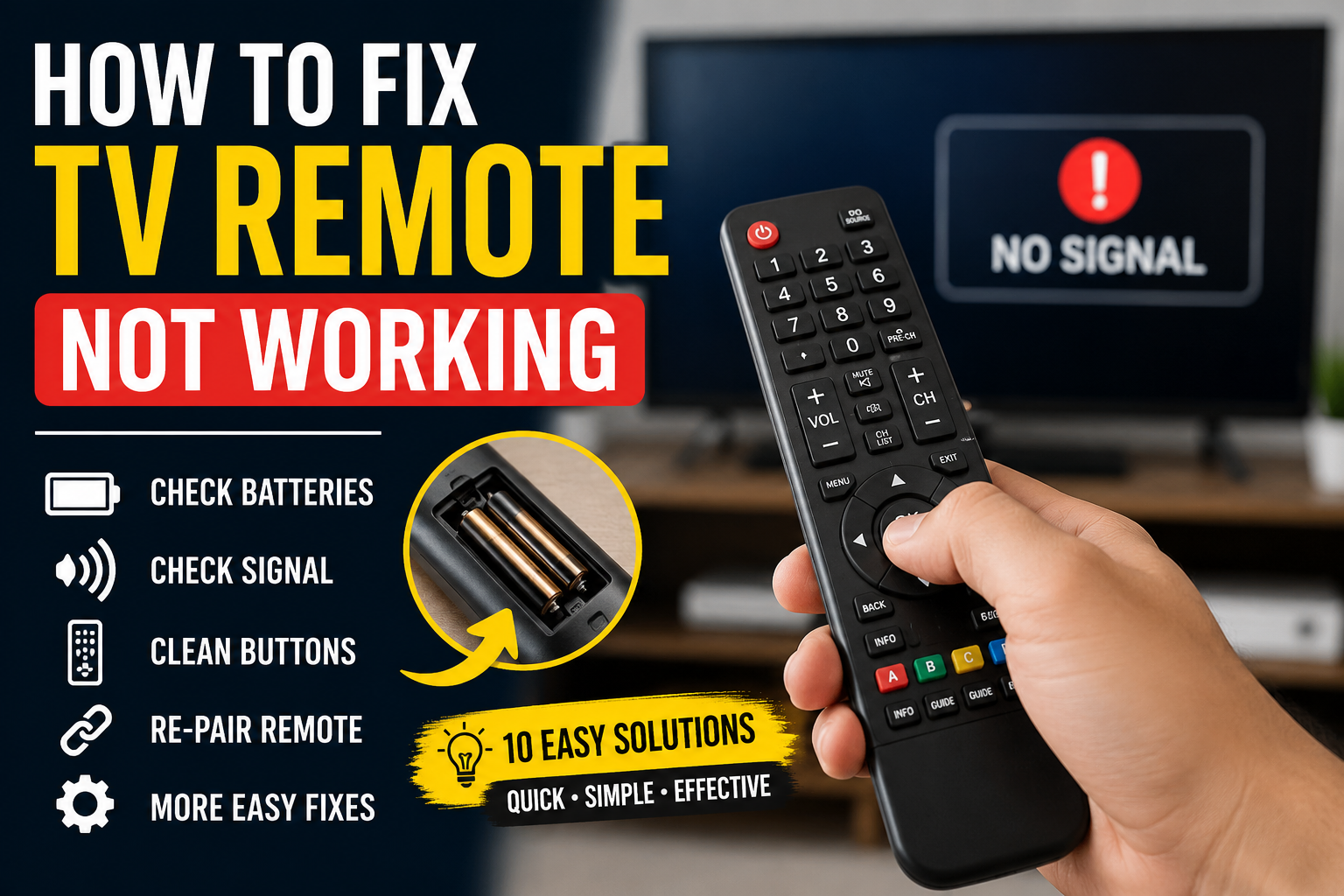
A TV remote is one of those devices we rarely think about until it suddenly stops working. You sit down to watch your favorite show, press a button, and nothing happens. It can be frustrating, especially when the TV itself seems perfectly fine.
The good news is that most remote control problems are simple to fix. If you’re searching for how to fix tv remote not working, there are several easy troubleshooting steps you can try before buying a replacement.
In many cases, the issue is related to batteries, blocked signals, dirty buttons, or minor software glitches. This guide explains how to fix tv remote not working using practical solutions that anyone can follow at home.
As many technicians say, “The simplest solution is often the right one.” Before assuming your remote is broken, work through the checks below.
Common Reasons a TV Remote Stops Working
Before learning how to fix tv remote not working, it’s important to understand what might be causing the problem.
Some of the most common causes include:
- Dead or weak batteries
- Dirty battery contacts
- Blocked infrared signal
- Stuck buttons
- Remote pairing issues
- Physical damage from drops
- TV sensor problems
- Software glitches
Knowing the cause can help you solve the issue much faster.
Check the Batteries First
The first step in how to fix tv remote not working is checking the batteries.
Even if the batteries were replaced recently, they may have lost power faster than expected. Remove them and install a fresh pair from a trusted brand.
Also check:
- Battery orientation (+ and -)
- Corrosion inside the battery compartment
- Loose battery connections
A surprising number of remote issues are solved simply by replacing old batteries.
Real-Life Example
Imagine your car won’t start. The first thing many people check is the battery. The same logic applies to a TV remote. Batteries are often the hidden culprit.
Restart the Remote Control
Sometimes a remote experiences a temporary glitch.
To try a reset:
- Remove the batteries.
- Press and hold the power button for 15–20 seconds.
- Wait one minute.
- Reinsert the batteries.
- Test the remote again.
This simple method often resolves minor electronic issues and is a useful step in how to fix tv remote not working.
Clean the Remote Buttons
Dust, dirt, and oils from your hands can build up inside a remote over time.
If some buttons work while others don’t, cleaning may help.
How to Clean It
- Remove the batteries.
- Use a soft cloth.
- Clean around the buttons with a cotton swab.
- Use a small amount of rubbing alcohol if necessary.
- Allow everything to dry completely.
A clean remote responds better and lasts longer.
Check for a Blocked Infrared Signal
Many TV remotes use infrared (IR) technology.
The signal travels from the remote to a sensor on the TV. If something blocks that path, the TV won’t receive commands.
Common obstructions include:
- Decorative items
- Soundbars
- Toys
- Furniture
- Dust on the TV sensor
Make sure there is a clear line between the remote and the television.
When researching how to fix tv remote not working, signal blockage is one of the most overlooked issues.
Test the Infrared Sensor with Your Phone
A useful trick for how to fix tv remote not working is testing the IR sensor using a smartphone camera.
Steps
- Open your phone camera.
- Point the remote’s front end at the camera.
- Press any button.
- Look at the screen.
If you see a flashing light on the camera display, the remote is sending a signal.
If no light appears, the remote may have a hardware problem.
This quick test can save time and help identify whether the issue is with the remote or the TV.
Check the TV Sensor
Sometimes the remote works perfectly, but the TV’s sensor does not.
Signs of a faulty TV sensor include:
- Multiple remotes fail to work.
- The remote signal tests positive.
- Buttons only work at very close range.
Try cleaning the sensor area on the TV with a soft cloth.
If the problem continues, the TV sensor may require professional repair.
Re-Pair Smart TV Remotes
Modern smart TVs often use Bluetooth instead of infrared.
If the connection is lost, the remote may stop responding.
General Pairing Method
- Turn on the TV.
- Hold the pairing buttons specified by the manufacturer.
- Wait for the pairing message.
- Follow on-screen instructions.
For many users searching how to fix tv remote not working, re-pairing solves the problem instantly.
Replace Weak Batteries Even if the Remote Lights Up
A common misunderstanding is that if the remote light turns on, the batteries must be good.
In reality, batteries may have enough power for the indicator light but not enough to transmit a strong signal.
Always test with a completely fresh battery set before assuming the remote is damaged.
Look for Stuck Buttons
A stuck button can prevent the remote from functioning correctly.
Press each button individually and check whether any feel:
- Hard to press
- Permanently depressed
- Different from other buttons
A stuck button may continuously send signals and interfere with other commands.
This is another important step in how to fix tv remote not working.
Check for Water Damage
Remote controls and drinks often end up on the same table.
Even a small liquid spill can cause major problems.
Signs of Water Damage
- Buttons stop responding
- Random commands occur
- White corrosion inside the battery compartment
- Delayed button responses
If liquid damage occurred recently:
- Remove batteries immediately.
- Dry the remote thoroughly.
- Leave it in a dry area for 24–48 hours.
Severe water damage may require replacement.
Reduce Electronic Interference
Some electronic devices can interfere with remote communication.
Possible sources include:
- LED lights
- Wireless devices
- Smart home equipment
- Certain sound systems
Turn nearby devices off temporarily and test the remote again.
While not common, interference can occasionally be the reason behind how to fix tv remote not working.
Update Your Smart TV Software
Software bugs sometimes affect remote functionality.
Check for firmware updates through your TV settings.
Typical Steps
- Open Settings
- Select System or Support
- Choose Software Update
- Install available updates
Manufacturers regularly release fixes that improve remote performance.
Reset Your TV
If the remote suddenly stopped working after a software issue, resetting the TV may help.
Basic TV Reset
- Turn off the TV.
- Unplug it from power.
- Wait 60 seconds.
- Plug it back in.
- Turn it on and test the remote.
This simple reboot often clears temporary glitches.
Try a Universal Remote
If you’re still troubleshooting how to fix tv remote not working, a universal remote can help identify the problem.
If the universal remote works:
- The original remote is likely faulty.
If neither remote works:
- The TV sensor or software may be the issue.
This method helps narrow down the source of the problem.
When to Replace the Remote
Sometimes repair is no longer practical.
You may need a replacement if:
- The remote has severe physical damage.
- Water damage is extensive.
- The infrared transmitter has failed.
- Internal components are broken.
Replacement remotes are often inexpensive and easy to set up.
As the saying goes, “Time spent troubleshooting should be less than the cost of frustration.”
Prevent Future Remote Problems
Once you’ve solved how to fix tv remote not working, taking a few precautions can prevent future issues.
Helpful Tips
- Change batteries regularly.
- Keep the remote clean.
- Avoid dropping it.
- Store drinks away from it.
- Protect it with a silicone cover.
- Clean battery contacts occasionally.
Small habits can significantly extend the life of your remote control.
Quick Troubleshooting Checklist
If your remote stops working, follow this order:
Step 1
Replace the batteries.
Step 2
Reset the remote.
Step 3
Clean the buttons.
Step 4
Check for blocked signals.
Step 5
Test the infrared transmitter.
Step 6
Inspect the TV sensor.
Step 7
Re-pair Bluetooth remotes.
Step 8
Update TV software.
Step 9
Try a universal remote.
Step 10
Replace the remote if necessary.
This checklist covers nearly every common solution for how to fix tv remote not working.
Frequently Asked Questions
Why does my TV remote work only sometimes?
Weak batteries, signal interference, dirty buttons, or a failing infrared transmitter are common causes.
Can a TV remote stop working suddenly?
Yes. Batteries can fail unexpectedly, software glitches can occur, or internal components may become damaged.
How do I know if my remote sensor is working?
Use your smartphone camera to check for a flashing infrared light when pressing buttons.
Should I repair or replace my remote?
If cleaning, battery replacement, and resetting do not work, replacement is usually the most cost-effective option.
Conclusion
If you’re wondering how to fix tv remote not working, start with the simplest solutions first. Replace the batteries, clean the remote, check the signal path, and test the infrared transmitter. Most problems can be solved within minutes without special tools or technical knowledge.
Whether your issue is a weak battery, blocked sensor, pairing problem, or software glitch, following the steps in this guide can help restore normal operation quickly. In many cases, the solution is far easier than people expect.